Inboxes stay private
Limited read-only access to your Gmail to filter for parenting tasks. Parents can't see each other's emails or inboxes.
 Parentalist
Stop drowning in school reminders, permission slips, and deadlines scattered across inboxes.
Free for families. Designed for privacy. Independently verified for security.
Google-verified OAuth appCASA Tier 2 assessed by TAC SecurityParentalist surfaces school communications from your personal clutter, pulling out dates and todo's so you never miss a deadline.
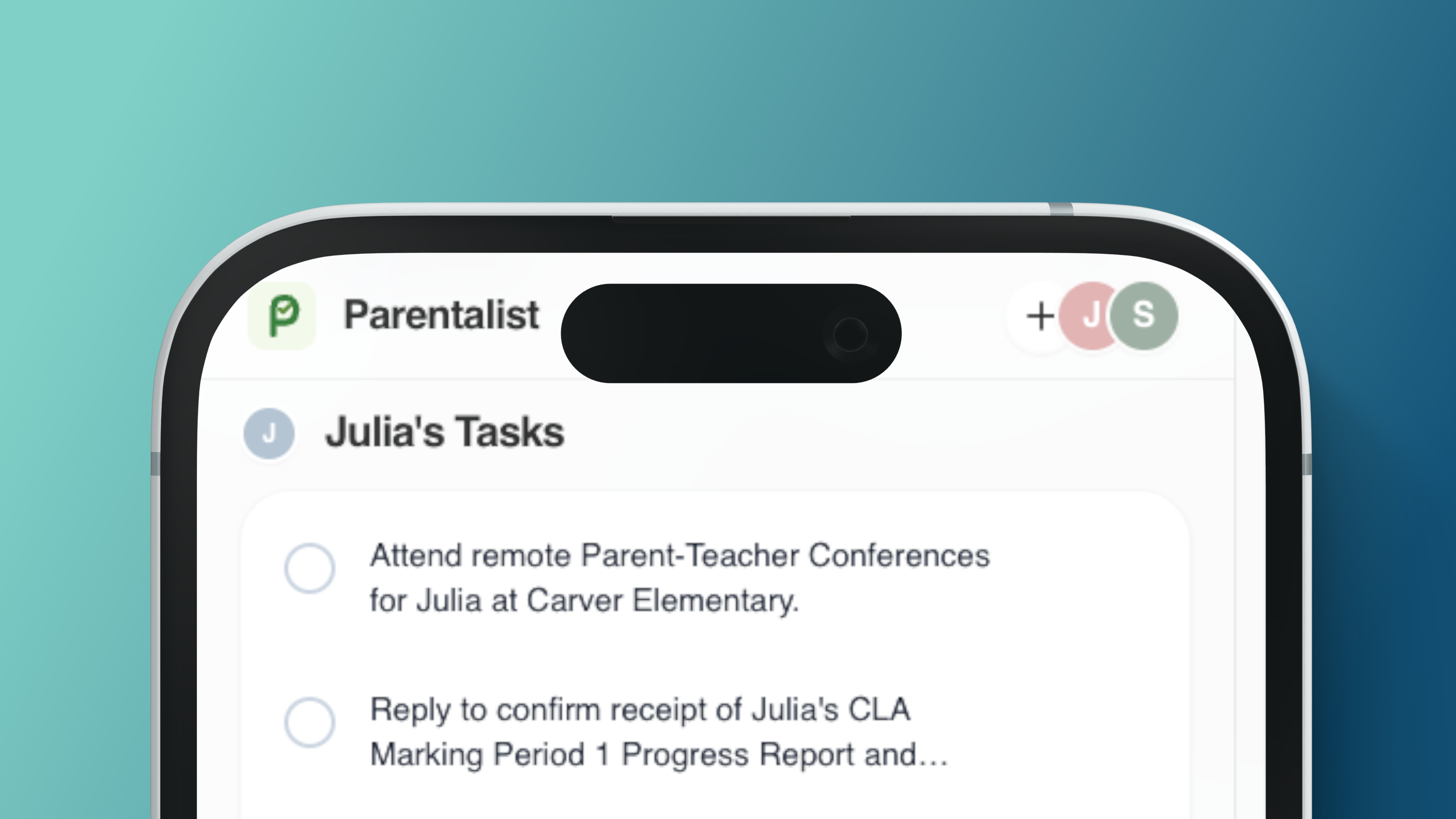
No more forwarding emails or special inbox rules. You and your parenting partner share a single list of tasks by child automatically.
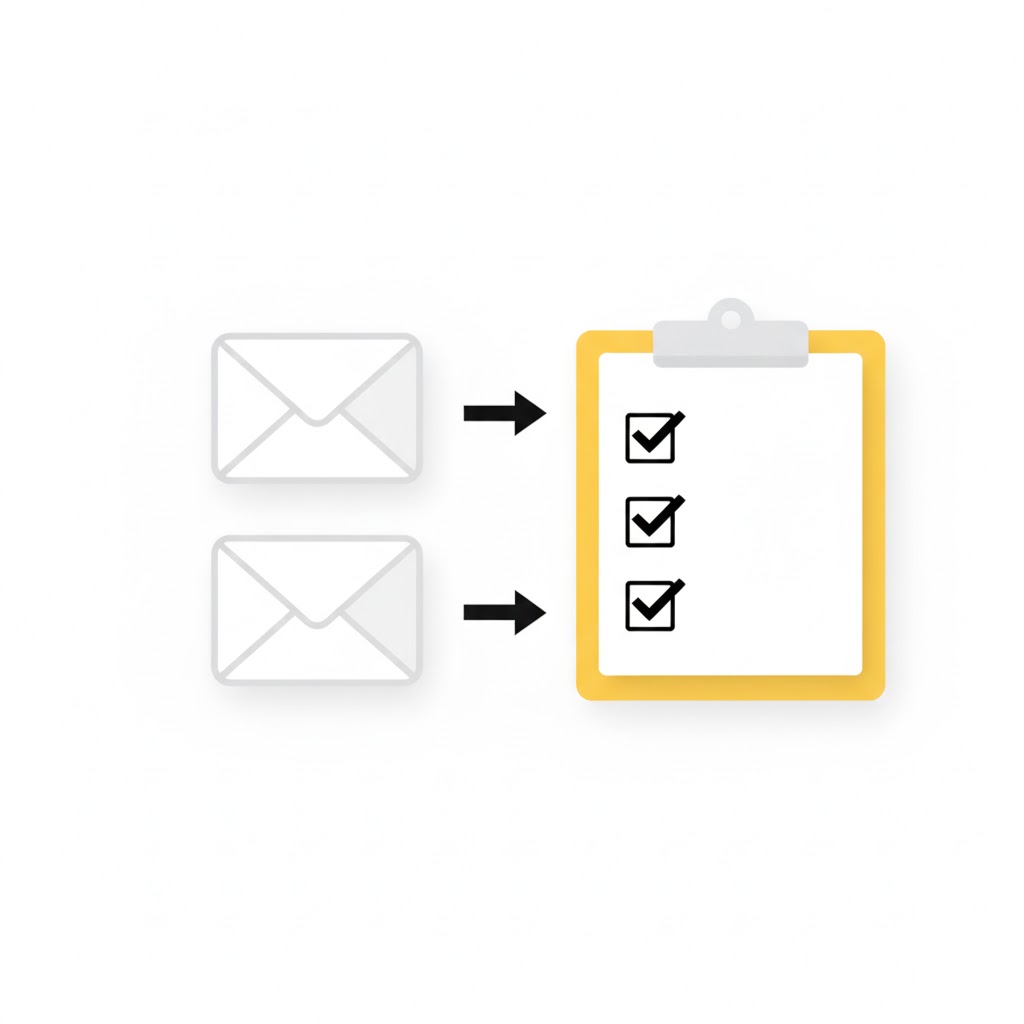
Turns what you need to do for each child into clear tasks, with a handy link back to your inbox.
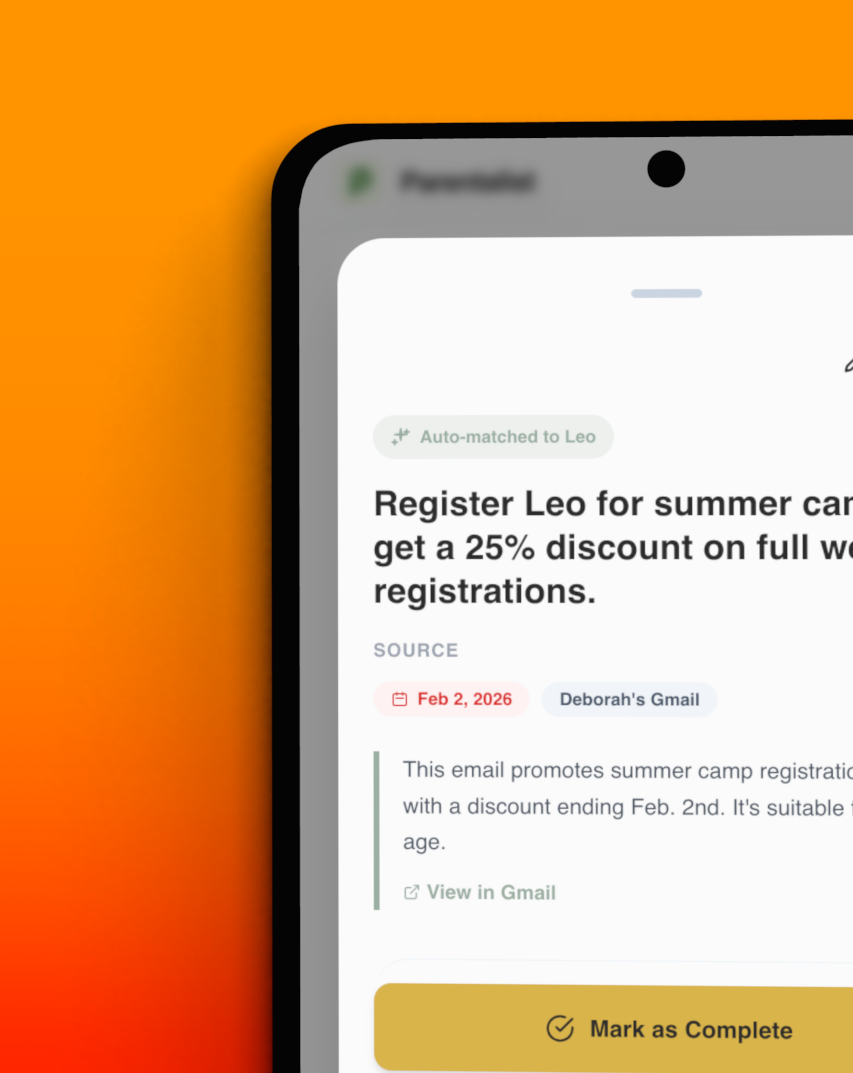
Connect Parentalist to your Gmail using industry-standard OAuth technology for limited, read-only access.
Parentalist looks for school forms, activity reminders, appointments, due dates and other parenting tasks buried in your inbox.
You and your parenting partner get a clear view of tasks, due dates, and what has been crossed off.
Security and privacy
Your family's privacy comes first. Email content is never stored, and your child's data is never used to train AI.
Limited read-only access to your Gmail to filter for parenting tasks. Parents can't see each other's emails or inboxes.
Email content is immediately discarded after task analysis, and never stored in our servers.
You provide only child details you're comfortable with (like a first name and grade) so Parentalist can assign tasks by kid. Child info is not used to train AI models.
Parentalist is Google OAuth verified and completed CASA Tier 2 assessment — an independent review of security controls for apps that access Google user data — with TAC Security.
Intentionally simple, privacy-first, and built to reduce parenting overload.
| Parentalist | Typical family organizer apps | |
|---|---|---|
| Scope | Intentionally focused on turning school and kids activity emails into shared tasks. | Often try to manage calendars, chores, groceries, photos, chats, and more. |
| Setup | No new password to remember or app to download. | Often require every family member to download and use another app. |
| Privacy | Read-only Gmail access, email content not stored, child info not used for AI training. | Privacy practices vary and may not be clear at the point of signup. |
| Security | Google OAuth verified and CASA Tier 2 assessed for Google data access. | Security review standards are not always obvious to parents. |
| Philosophy | Intentionally small, transparent, and built to solve parent tasks overload. | Often try to solve everything. Is that possible?! |
| Price | Free for families while we keep improving it. | Often freemium, subscription-based, or limited unless everyone upgrades. |
Swipe sideways to compare columns
We're parents building tools for parents. Free for families while we keep improving it with your feedback.